How to merge PDF files online for free, no install
A contract, an annex and an invoice in three separate files, and you need to send them in one go? Merging PDF files puts everything into one tidy file, in the right order. Here is how to merge PDF files online for free, right in your browser.
How to merge PDF files online
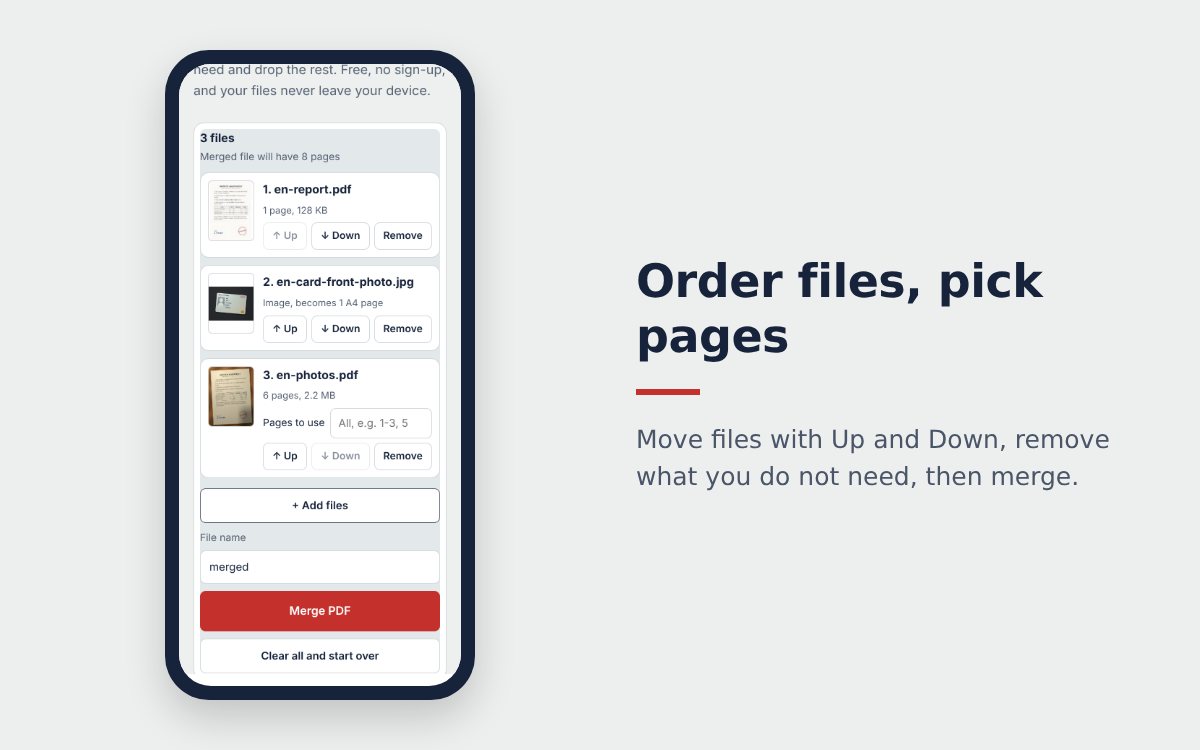
- Open Merge PDF, tap Choose PDF files, images and select several files at once. Tap + Add files to pick more later.
- Check the order in the list. Use Up and Down to move a file, Remove to drop one you picked by mistake.
- For a long PDF, type the pages you need in Pages to use, for example 1-3, 5.
- Name the file, tap Merge PDF, then Download PDF or Share PDF to send it by WhatsApp or email.
Does merging keep the quality?
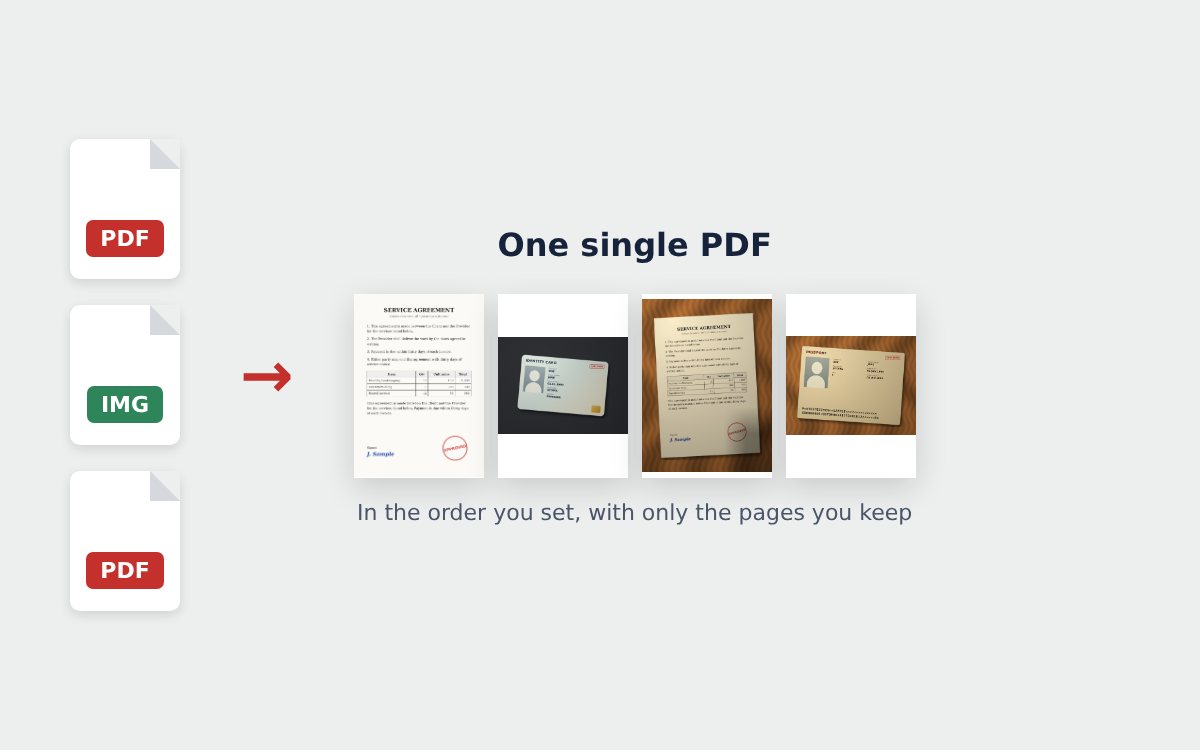
Yes. The pages of your PDFs are copied into the merged file as they are, not turned into images, so text stays sharp and can still be selected and copied. JPG and PNG images are each placed on an A4 page.
A few special cases:
| File type | What happens |
|---|---|
| Edit-protected PDF that opens without a password | Can be merged, its pages are added as images |
| PDF that needs a password to open | Cannot be merged, unlock it first |
| PDF with a digital signature | Can be merged, but the signature is no longer valid in the merged file |
Is it safe to merge PDFs online?
Your files are read and merged inside your browser. They are not uploaded to a server, and they are gone when you close the page. That makes it a good fit for personal files, contracts and financial documents.
After merging
Merged file too heavy to send? Compress the PDF to the size you need, as explained in how to compress a PDF under 1 MB. Some of your pages are still paper? Turn them into PDF pages first with the free online scanner. Mixing photos and PDFs? Read how to merge images and PDF files into one PDF.
Frequently asked questions
Is merging PDF files online free?
The Merge PDF tool on scanonlinepdf.com is free, with no sign-up and no limit on the number of files or merges.
Does merging PDFs make the text blurry?
No. The pages of each PDF are copied as they are into the merged file, text and graphics stay identical to the original.
How many files can I merge?
There is no hard limit. Very large files simply take a bit longer on a phone, because everything runs on the device.
More guides
How to compress a PDF under 1 MB or 500 KB for online forms
Compress a PDF under 1 MB, 500 KB or 200 KB for job applications, government portals and email: type the exact size, check readability, keep stamps and signatures.
Free online scanner: 4 ways to scan documents without paying
Four free ways to scan documents online with a phone or computer: pros and cons of each, how to choose, and privacy tips when you scan personal documents.
Convert images to PDF online for free, no sign-up
Convert images to PDF online for free with no account or app. How to pick a safe tool that does not upload your photos, and the steps to turn JPG or PNG into PDF.