How to merge images and PDF files into one PDF
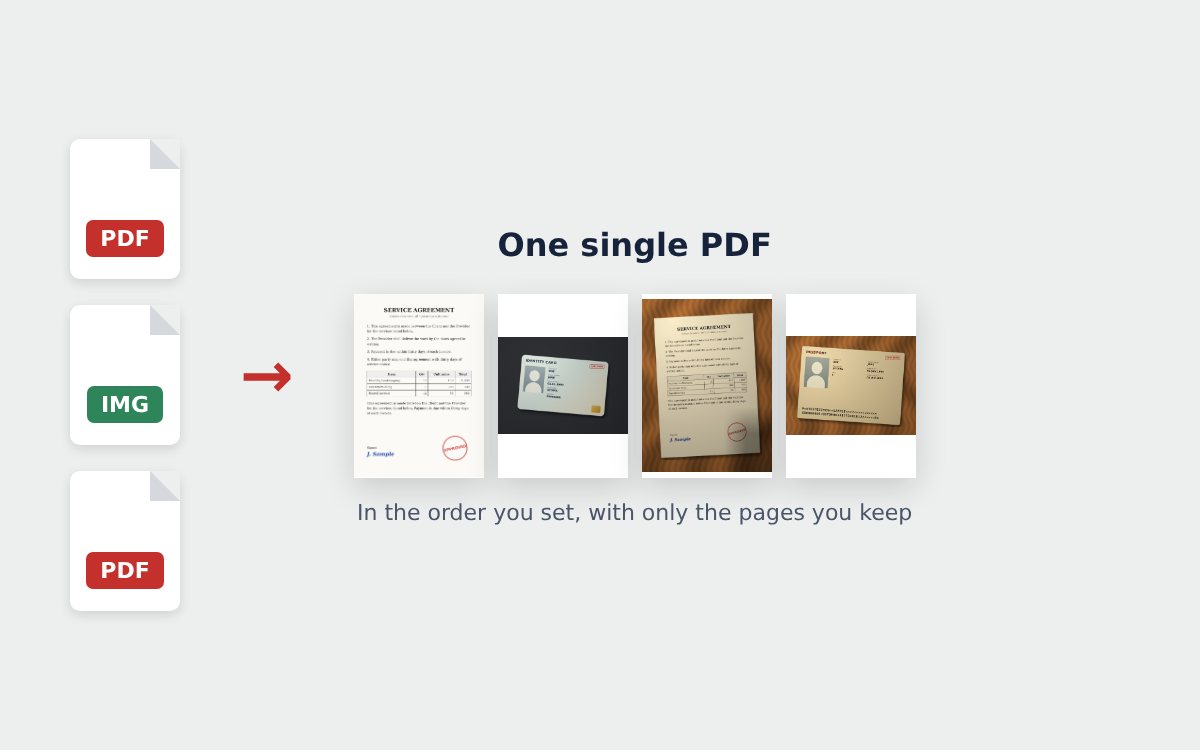
Applications often mix PDFs and photos: a contract in PDF, a photo of an ID card, a screenshot of a bank transfer. Instead of sending each file separately, you can merge images and PDFs into one single PDF.
How to merge images and PDF files
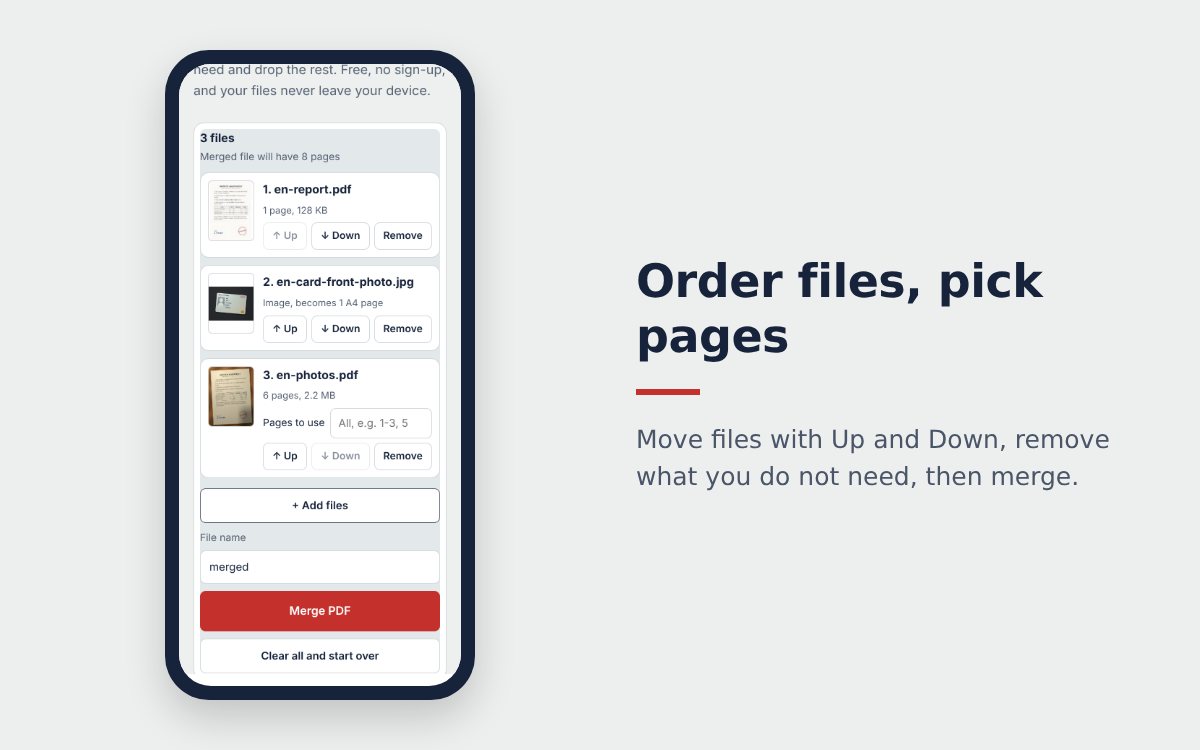
- Open Merge PDF, tap Choose PDF files, images and select your PDFs and your JPG or PNG images at the same time.
- Each image appears in the list as one A4 page. Use Up and Down to slot it between the PDFs exactly where it belongs.
- Tap Merge PDF, then Download PDF.
How images are placed on the page
| Image | A4 page |
|---|---|
| Portrait image | Portrait A4, image fitted, proportions kept |
| Landscape image | Landscape A4, image fitted, proportions kept |
Nothing is stretched or cut off, there is just a thin white margin around the image.
Photos of documents: clean them up first
Photos of paper documents are often tilted, show the table around the page and have shadows. Merged as they are, they make the file heavy and hard to read. A better way:
- Use the free online scanner to crop the page, whiten the background and download a PDF.
- For an ID card, use the ID card scanner. For a passport, use the passport scanner.
- Add the PDFs you just made to Merge PDF along with your other files.
Only images, no PDF?
If everything is a photo, use Image to PDF: it also lets you choose page fit, orientation and color mode for each page. See also how to convert images to PDF online for free and the full guide to merging PDF files online.
Frequently asked questions
Are images distorted when merged into a PDF?
No. Each image keeps its proportions and is fitted on one A4 page, portrait or landscape depending on the image.
Should I clean up photos of documents before merging them?
Yes. Run them through the online scanner first to crop the page and sharpen the text. The merged file will look better and be lighter.
Can I merge HEIC photos from an iPhone?
When you pick photos from the library, the iPhone usually converts HEIC to JPG automatically. If not, export the photo as JPG first.
More guides
How to compress a PDF under 1 MB or 500 KB for online forms
Compress a PDF under 1 MB, 500 KB or 200 KB for job applications, government portals and email: type the exact size, check readability, keep stamps and signatures.
Free online scanner: 4 ways to scan documents without paying
Four free ways to scan documents online with a phone or computer: pros and cons of each, how to choose, and privacy tips when you scan personal documents.
Convert images to PDF online for free, no sign-up
Convert images to PDF online for free with no account or app. How to pick a safe tool that does not upload your photos, and the steps to turn JPG or PNG into PDF.