How to compress a PDF under 1 MB or 500 KB for online forms
Many upload forms only accept PDFs under 1 MB, and some allow only 500 KB or 200 KB per file. Job applications, registration forms, university documents and invoices all run into this limit. Here is how to compress a PDF under 1 MB or 500 KB quickly while keeping it readable.
Compress a PDF under 1 MB in 3 steps
- Open Compress PDF and tap Choose PDF file.
- Under Target size (under), type 1 and pick MB. If the limit is 500 KB, type 500 and pick KB.
- Tap Compress PDF, check the result and tap Download PDF.
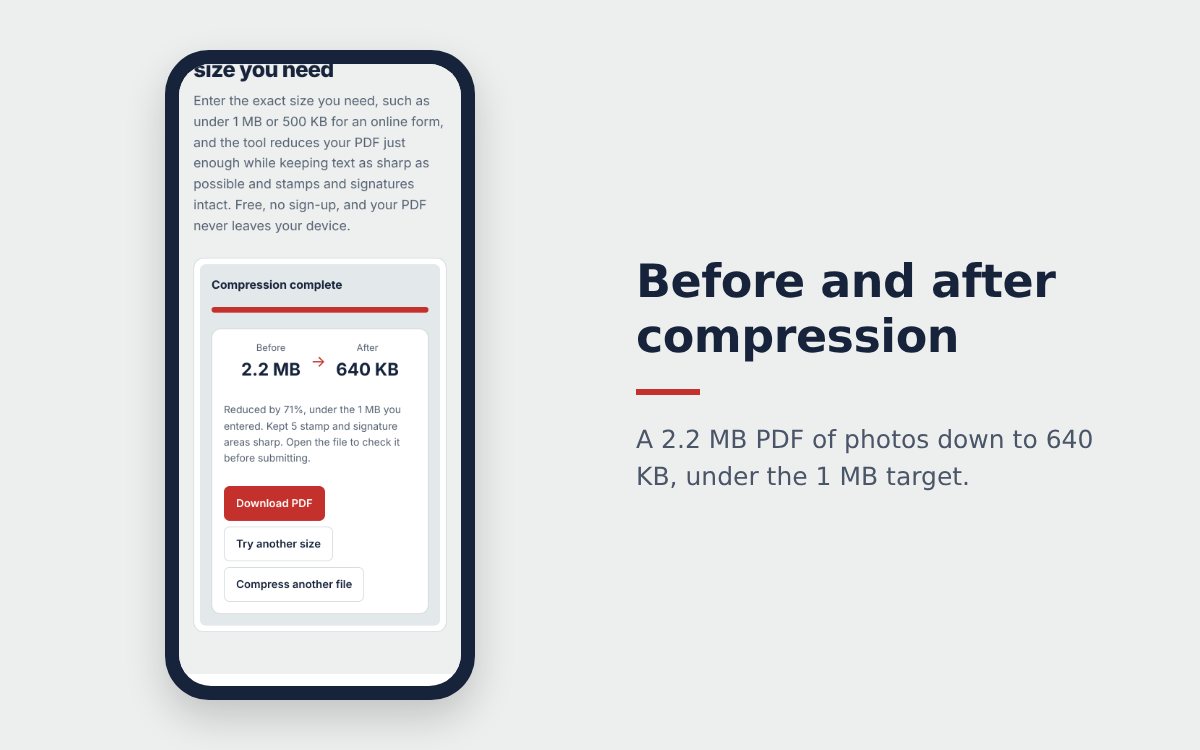
Tip: if the limit is 1 MB, type 0.95 to keep a small safety margin. Some systems count 1 MB as 1,000,000 bytes rather than 1,048,576, and a slightly lower target avoids a rejected upload.
Compress a PDF under 500 KB or 200 KB
The lower the target, the more the method matters:
- Choose Black and white for documents that are mostly text. Red stamps and blue signatures keep their color.
- Remove pages you do not need to submit before compressing, with the Pages to use box in Merge PDF.
- Split into several files if the form accepts more than one upload.
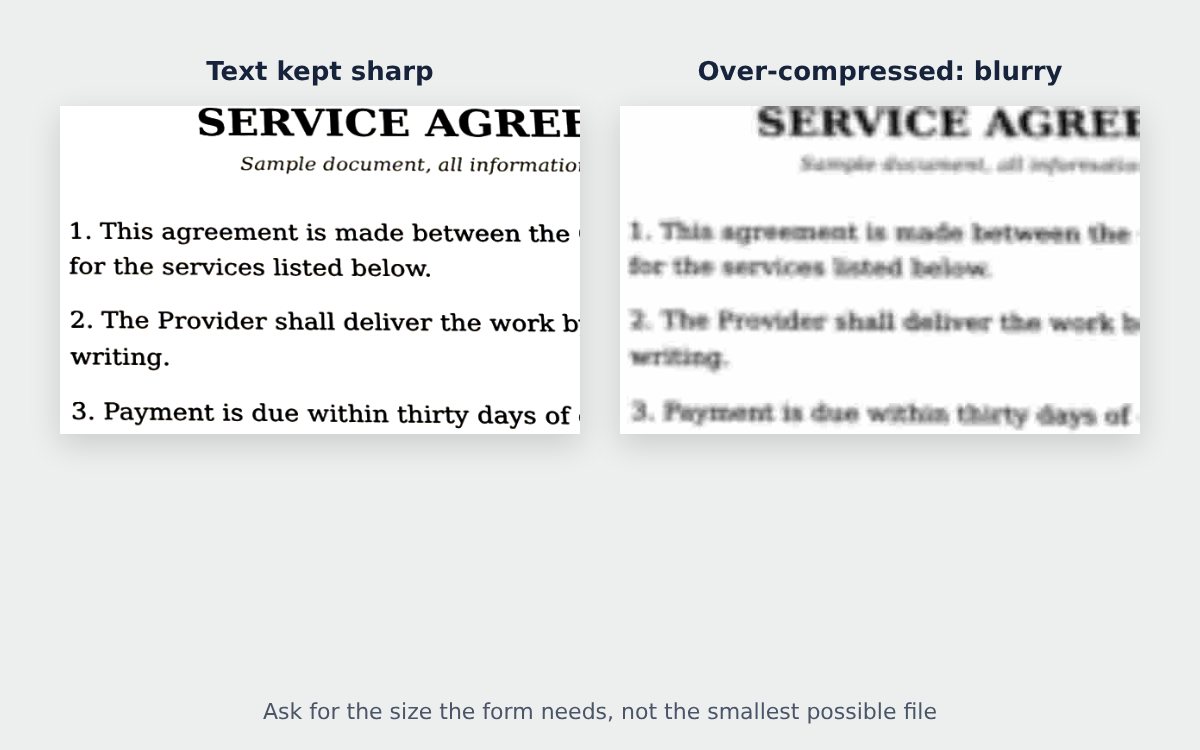
If your target is very low for the number of pages, the tool warns you that text may get blurry and suggests what to do.
Check before you submit
Open the downloaded file and zoom in on the smallest text, amounts, dates, stamps and signatures. If anything is hard to read, type a slightly bigger target and tap Try another size. A light file that is hard to read gets sent back more often than a clear file that fits the limit.
Documents with a digital signature
E-invoices, tax returns and e-signed contracts lose the validity of their digital signature after compression, the signature becomes a simple image. If the recipient needs a valid digital signature, compress first and sign afterwards, or ask whether you can submit the original file.
Start from a clean scan
Scans made from phone photos are often far heavier than they need to be, because of shadows and a gray background. Running your pages through the free online scanner with the Whiten mode gives a white background that compresses much better. Need to bundle several files first? See how to merge PDF files online.
Frequently asked questions
How do I compress a PDF under 1 MB?
Open Compress PDF, choose your file, type 1 and select MB, then tap Compress PDF. The tool finds the sharpest result that still stays under 1 MB.
Can I compress a PDF under 200 KB?
Yes for short documents. With many pages, each page only gets a few KB and text can become blurry, so choose Black and white or remove pages you do not need.
What if the result is still above the limit?
The tool tells you the smallest size it can reach. Try Black and white, remove extra pages, or split the file into several uploads.
More guides
Free online scanner: 4 ways to scan documents without paying
Four free ways to scan documents online with a phone or computer: pros and cons of each, how to choose, and privacy tips when you scan personal documents.
Convert images to PDF online for free, no sign-up
Convert images to PDF online for free with no account or app. How to pick a safe tool that does not upload your photos, and the steps to turn JPG or PNG into PDF.
How to merge images and PDF files into one PDF
Combine JPG or PNG images and PDF files into one single PDF, place photos between PDF pages, each image fitted on an A4 page, on your phone or computer.