Free online scanner: 4 ways to scan documents without paying
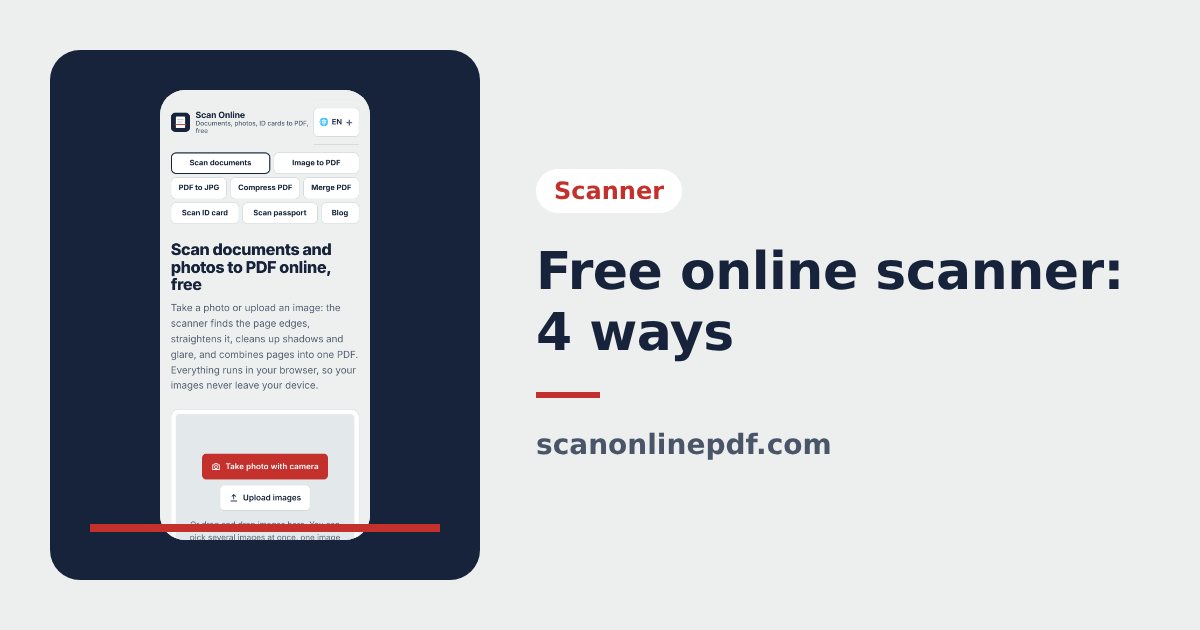
You do not need to buy a scanner or pay a copy shop to get a clean scan of your documents. Here are 4 popular free ways to scan, with their pros and cons, so you can pick the one that suits you.
1. A free online scanner in your browser
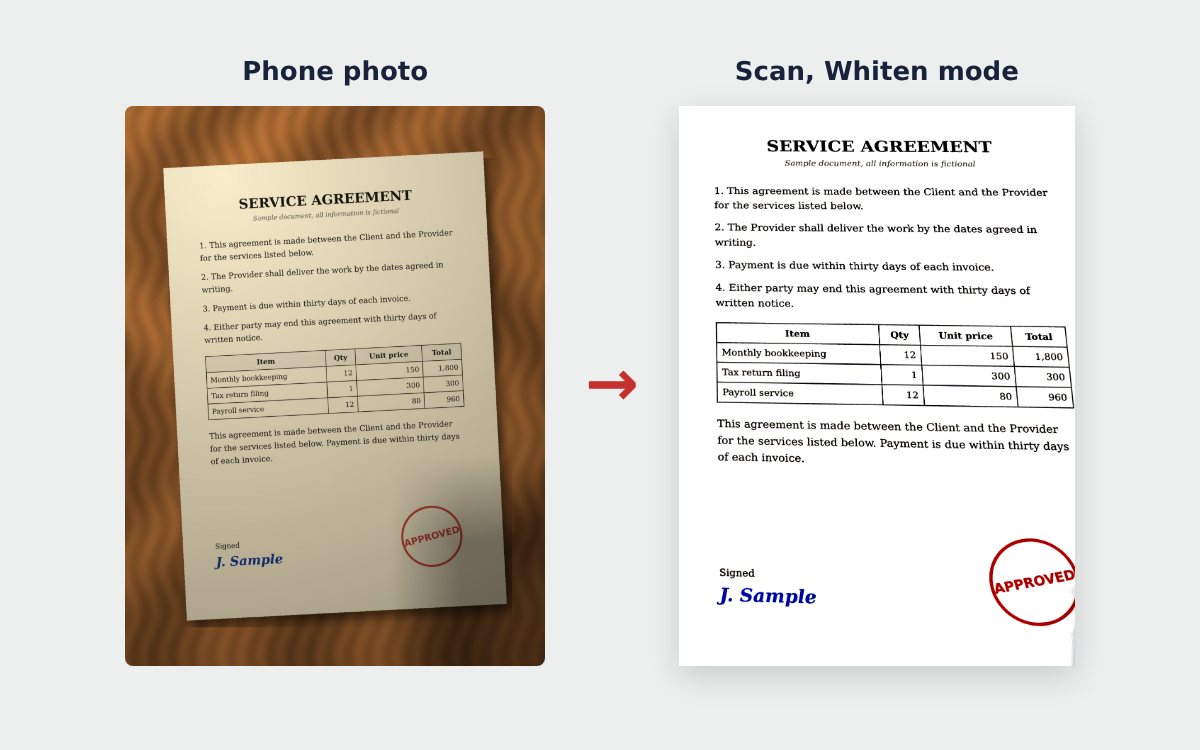
Open an online scanner, take or upload a photo, and the tool crops the page, cleans it up and creates a PDF. The free online scanner and the ID card scanner on Scan Online, for example, process your images on your own device.
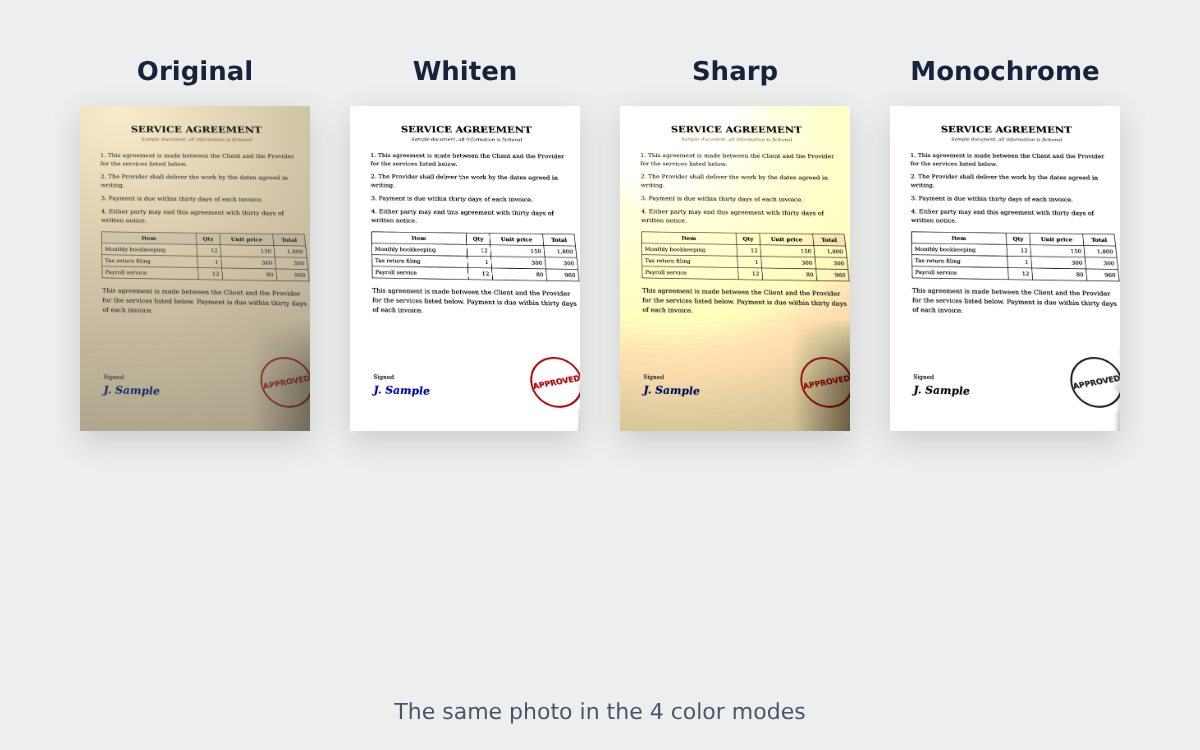
- Pros: nothing to install, works on phones and computers, A4 PDF, brightness and color options, a Whiten mode for white pages.
- Cons: slower on very old phones; you open it in the browser each time (or add it to your home screen).
2. The built-in scanner on iPhone
The Notes app on iPhone has a document scanning option (its name can vary with the iOS version).
- Pros: already installed, fast, detects the page.
- Cons: iPhone only, few options for paper size and layout.
3. Google Drive scanning on Android
The Google Drive app on many Android phones can scan documents.
- Pros: available on many phones, saves straight to Drive.
- Cons: needs a Google account, documents are stored in the cloud.
4. A multifunction printer with a scanner
At the office or in a copy shop, a multifunction printer can scan and email the file directly.
- Pros: the best quality, fast for thick documents.
- Cons: you need the machine nearby, copy shops usually charge.
Free ways to scan compared
| Method | Install needed | A4 PDF | Where images go | Best for |
|---|---|---|---|---|
| Online scanner in the browser | No | Yes | Depends on the tool | Applications, contracts, ID cards |
| iPhone built-in scanner | Already installed | Yes | On the phone | iPhone users |
| Google Drive | Installed on many phones | Yes | Saved to the cloud | Android and Google users |
| Multifunction printer | No | Yes | On the machine | Thick documents, top quality |
Privacy tips for free scanning
- Find out whether the tool uploads your images to a server, especially for ID cards, residence documents and bank papers.
- Read the terms: some free tools keep your documents, add ads or lock features.
- When you send a scan of your ID card, write what it is for on the scan. See what a scanned ID card is and how to send it safely.
Ready to try? Follow how to scan documents with your phone.
Frequently asked questions
Do free online scanners add a watermark?
Some do. Free versions may stamp text or a logo on the page, limit the number of pages or require an account. Try one page first and read the terms.
Which free way to scan is safest for personal documents?
A tool that processes images on your device, without uploading them to a server. For an ID card, also add a note on the scan saying what it is for.
What is the best free option for many pages?
A few dozen pages can be photographed one by one with a phone. For hundreds of pages, use a multifunction printer with an automatic document feeder.
More guides
How to compress a PDF under 1 MB or 500 KB for online forms
Compress a PDF under 1 MB, 500 KB or 200 KB for job applications, government portals and email: type the exact size, check readability, keep stamps and signatures.
Convert images to PDF online for free, no sign-up
Convert images to PDF online for free with no account or app. How to pick a safe tool that does not upload your photos, and the steps to turn JPG or PNG into PDF.
How to merge images and PDF files into one PDF
Combine JPG or PNG images and PDF files into one single PDF, place photos between PDF pages, each image fitted on an A4 page, on your phone or computer.