Guides to scanning documents and working with PDFs
Step-by-step guides to scan documents, ID cards and passports with your phone, compress PDFs to the size a form asks for, and merge PDFs and images into one file.
How to compress a PDF under 1 MB or 500 KB for online forms
Compress a PDF under 1 MB, 500 KB or 200 KB for job applications, government portals and email: type the exact size, check readability, keep stamps and signatures.
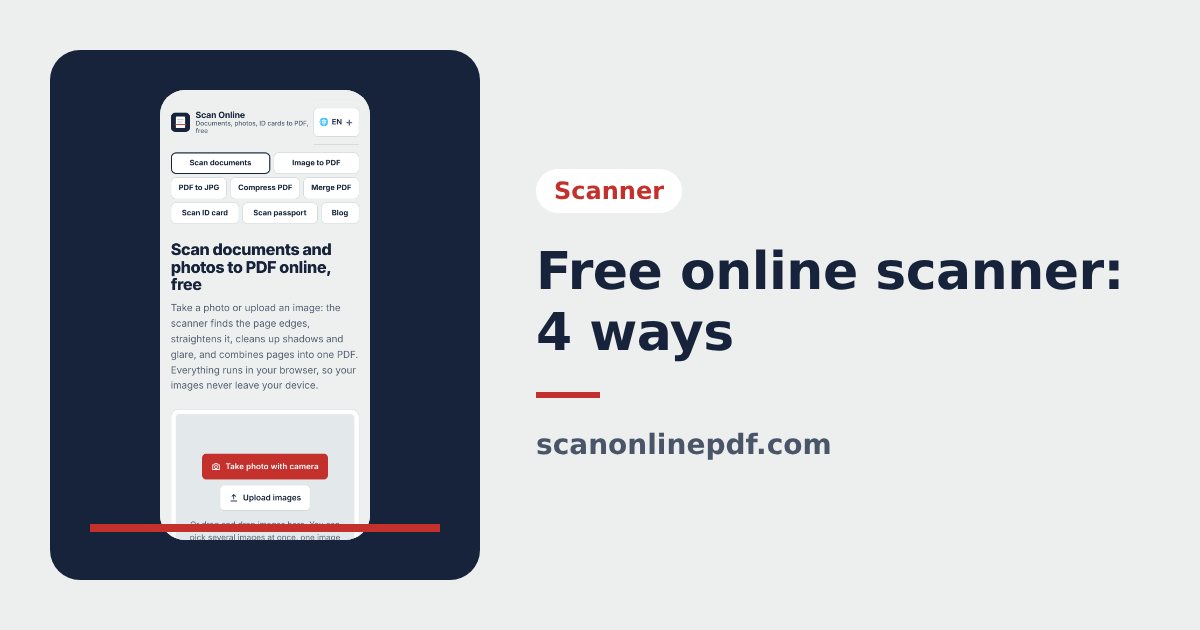
Free online scanner: 4 ways to scan documents without paying
Four free ways to scan documents online with a phone or computer: pros and cons of each, how to choose, and privacy tips when you scan personal documents.
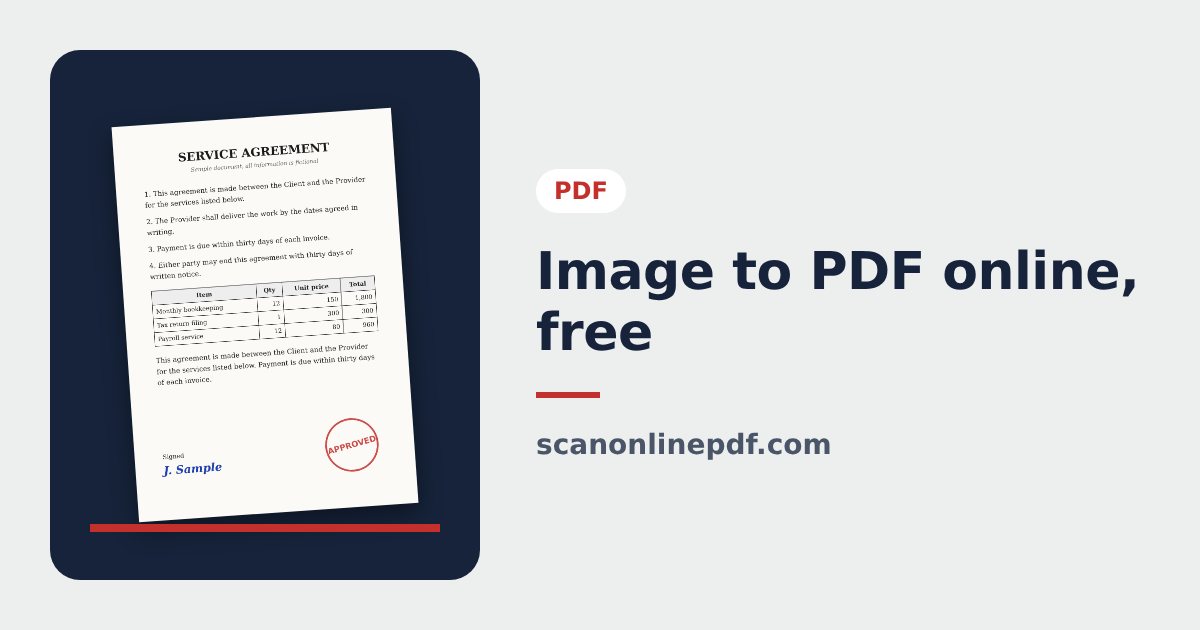
Convert images to PDF online for free, no sign-up
Convert images to PDF online for free with no account or app. How to pick a safe tool that does not upload your photos, and the steps to turn JPG or PNG into PDF.
How to merge images and PDF files into one PDF
Combine JPG or PNG images and PDF files into one single PDF, place photos between PDF pages, each image fitted on an A4 page, on your phone or computer.
How to merge PDF files online for free, no install
Merge PDF files online for free: combine several PDFs and images into one file, reorder them, keep only the pages you need, right in your browser, no upload.
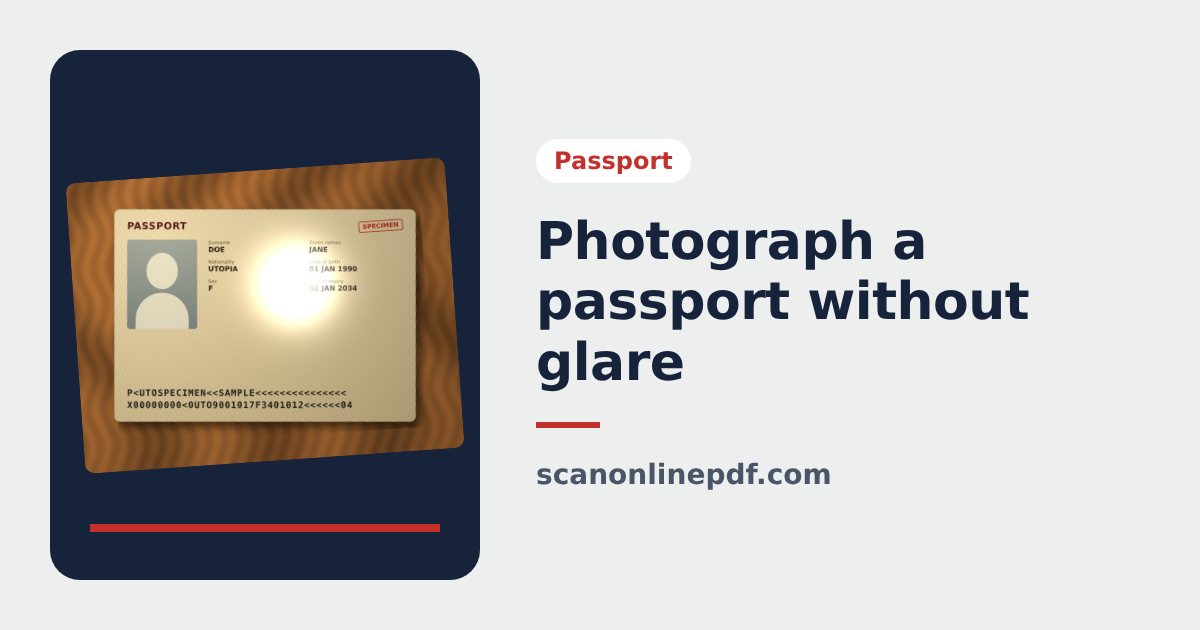
How to photograph a passport without glare, all 4 corners, sharp text
Tips to photograph your passport with a phone without glare or cut corners, with a readable code line: light, background, angle and how to fix corners afterwards.
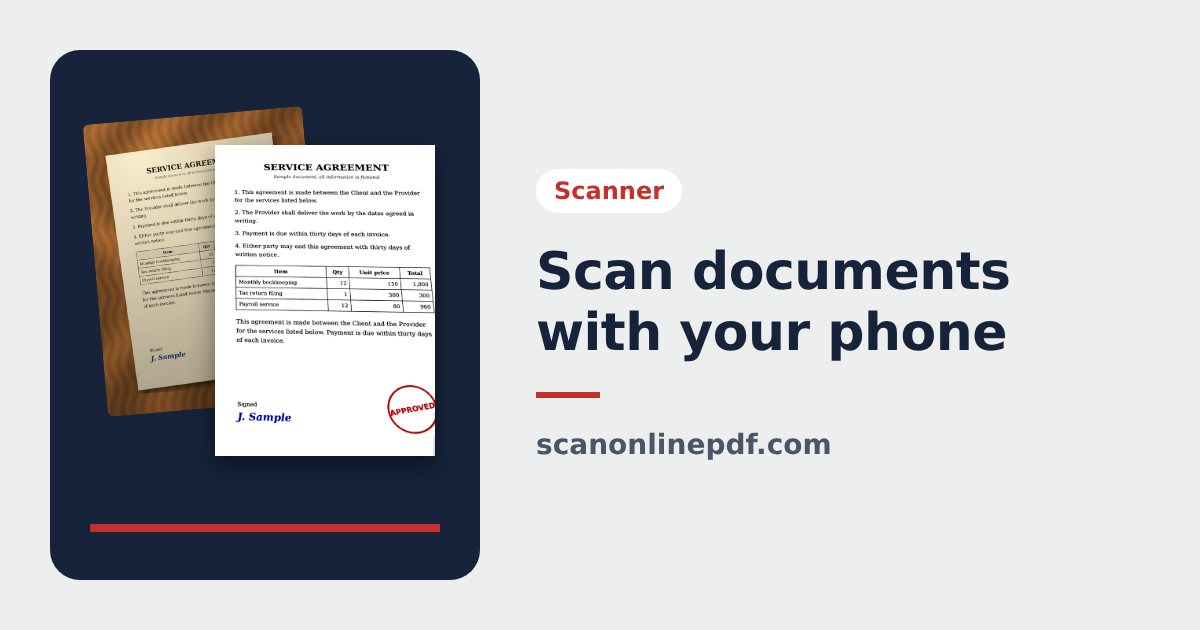
How to scan documents with your phone into a clean PDF
Scan documents with an iPhone or Android phone into a sharp PDF that looks like a flatbed scan: preparation, steps, avoiding glare and choosing the right color mode.
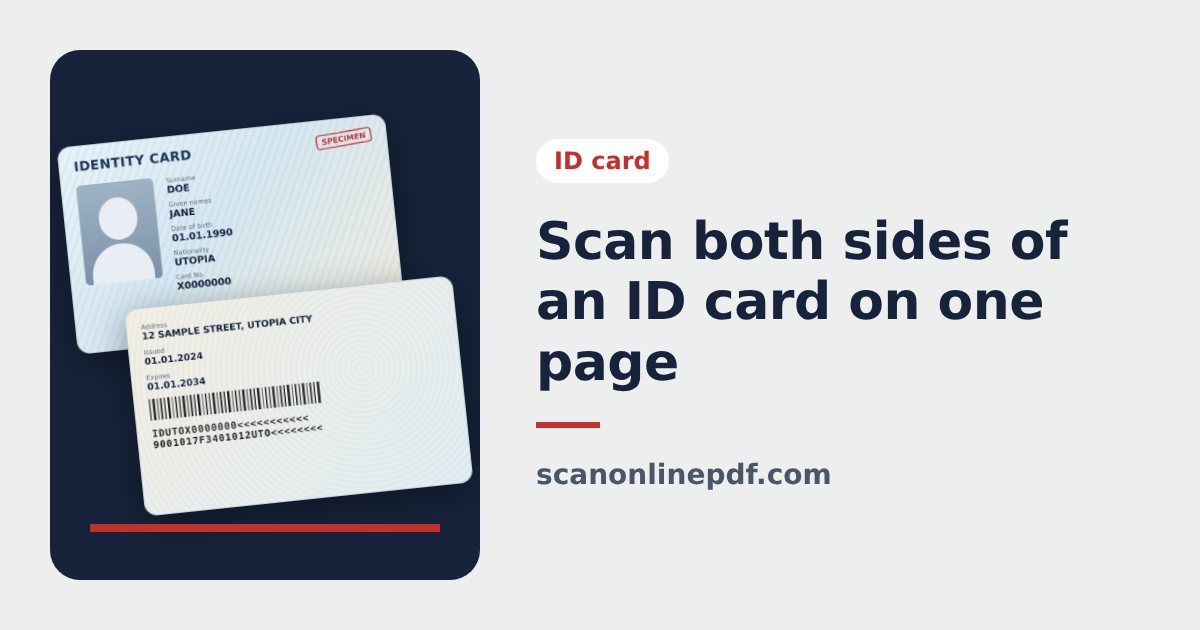
How to scan both sides of an ID card on one A4 page
Scan the front and back of an ID card or driving licence onto one A4 page with your phone, print it at real card size and add a protective watermark.
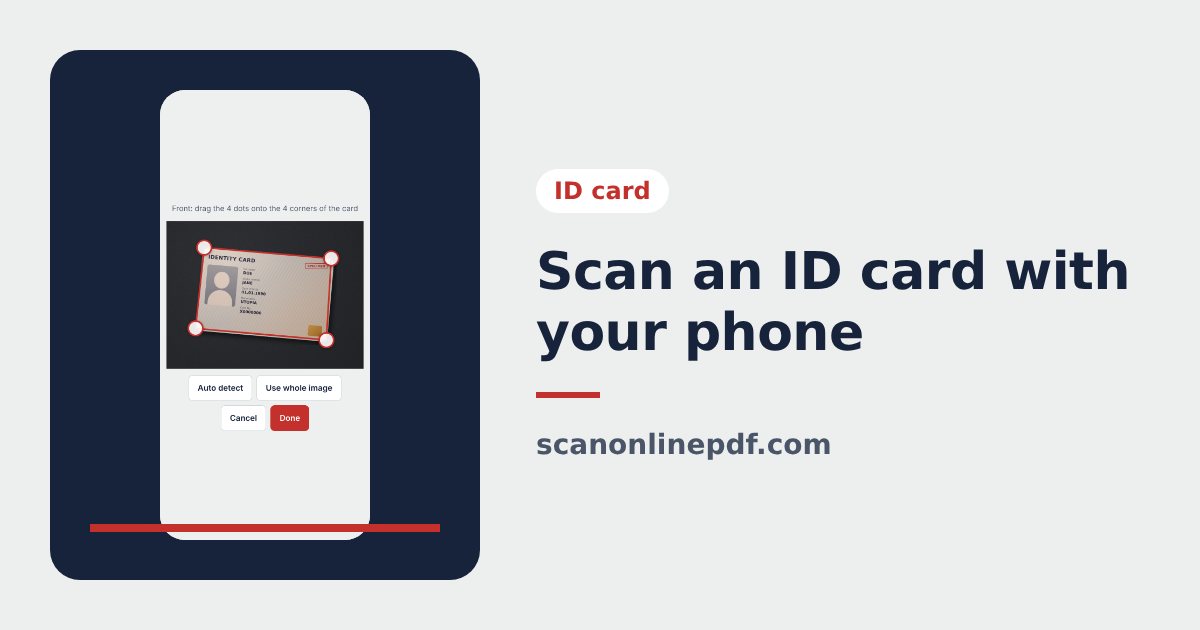
How to scan an ID card with your phone (iPhone, Android)
Scan an ID card with your iPhone or Android phone: photograph it without glare, let the tool straighten it, put both sides on one page and export JPG or PDF.
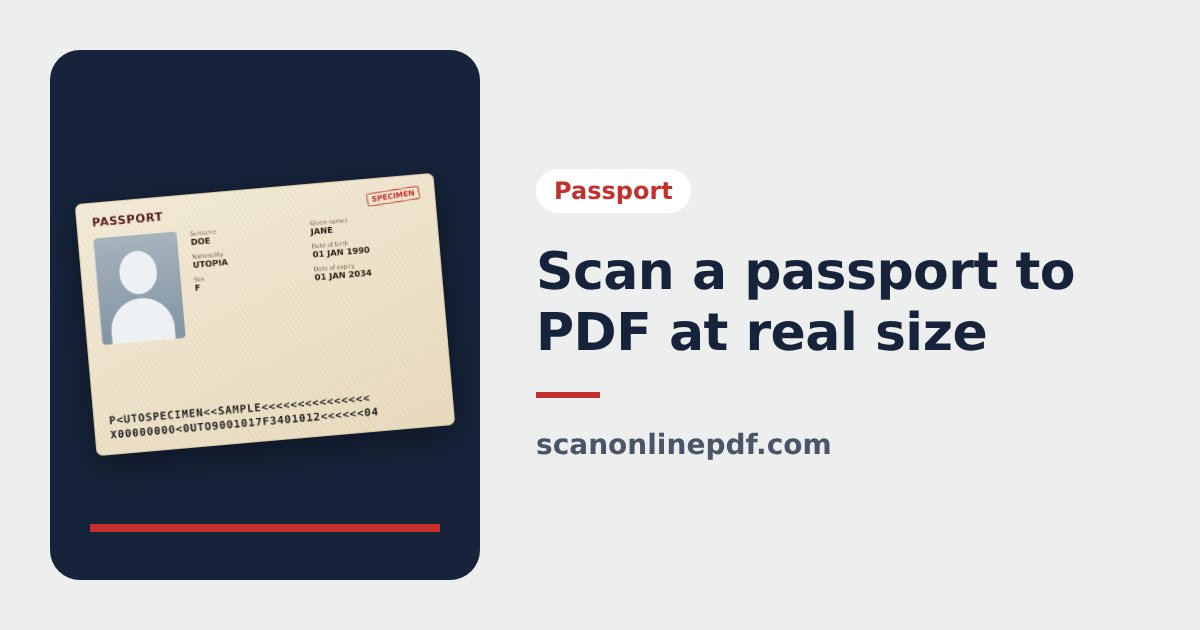
Scan a passport to PDF at real size on an A4 page
How to scan a passport to PDF at the real 125 × 88 mm size on an A4 page, choose PDF or JPG, print at actual size and combine your passport with other documents.
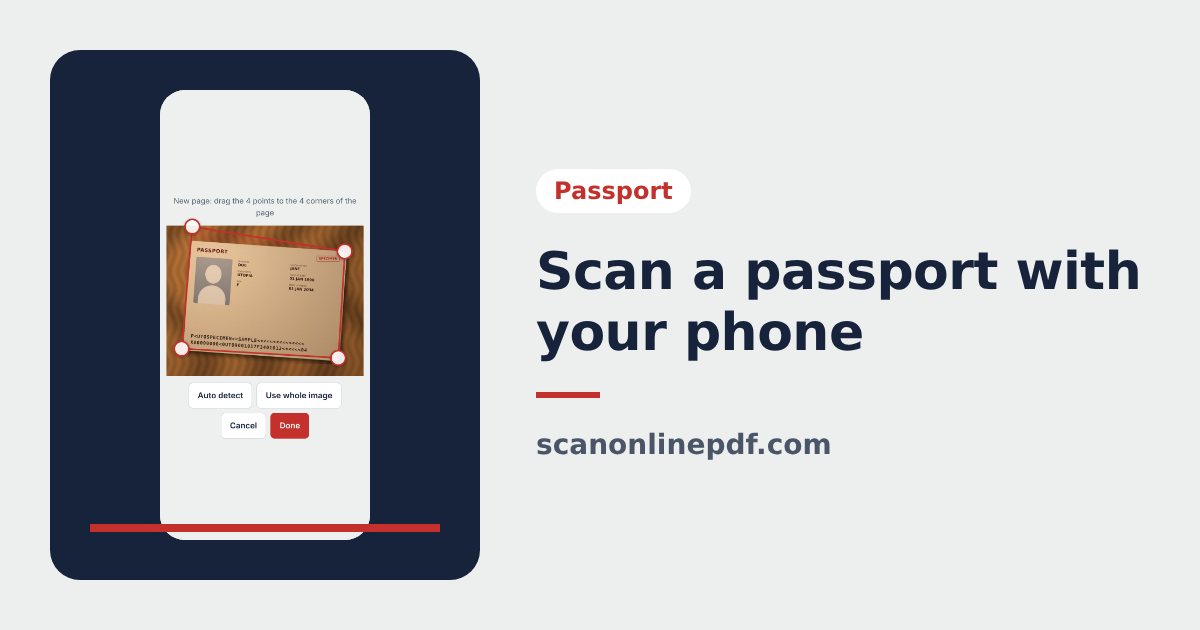
How to scan a passport with your phone to PDF or JPG
Scan your passport with an iPhone or Android phone: photograph the data page, crop the 4 corners, straighten it to the real 125 × 88 mm size and export PDF or JPG.
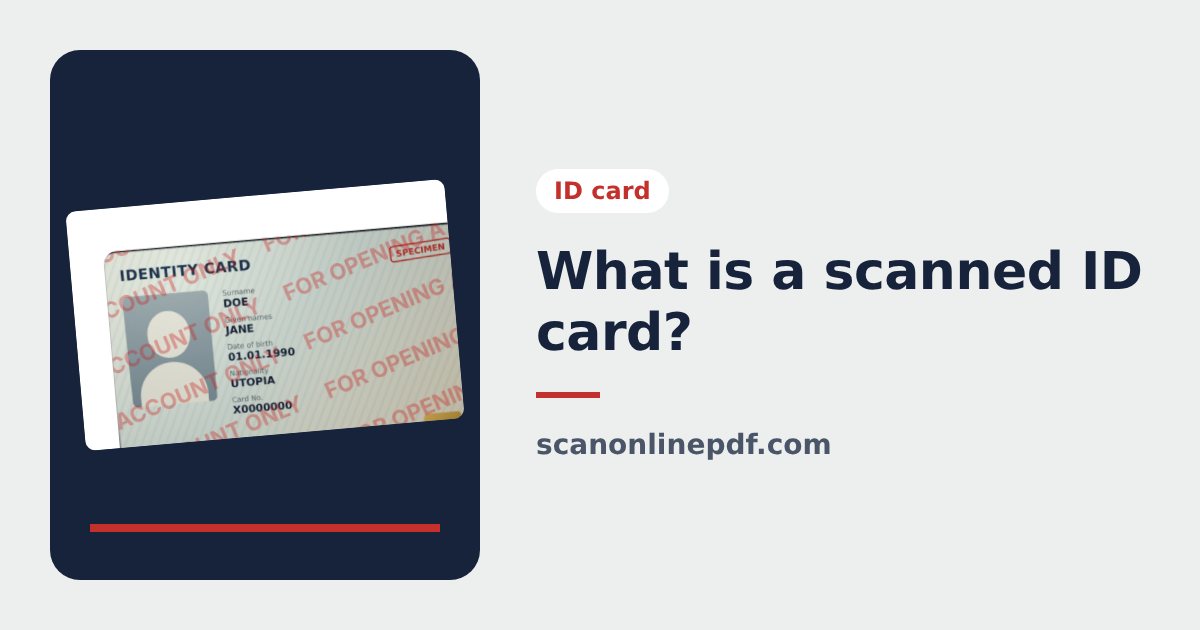
What is a scanned copy of an ID card? When you need it and how to send it safely
What a scanned ID card is, how it differs from a photo and a certified copy, when you need one, how to scan your ID card with a phone and send it safely.