How to scan an ID card with your phone (iPhone, Android)
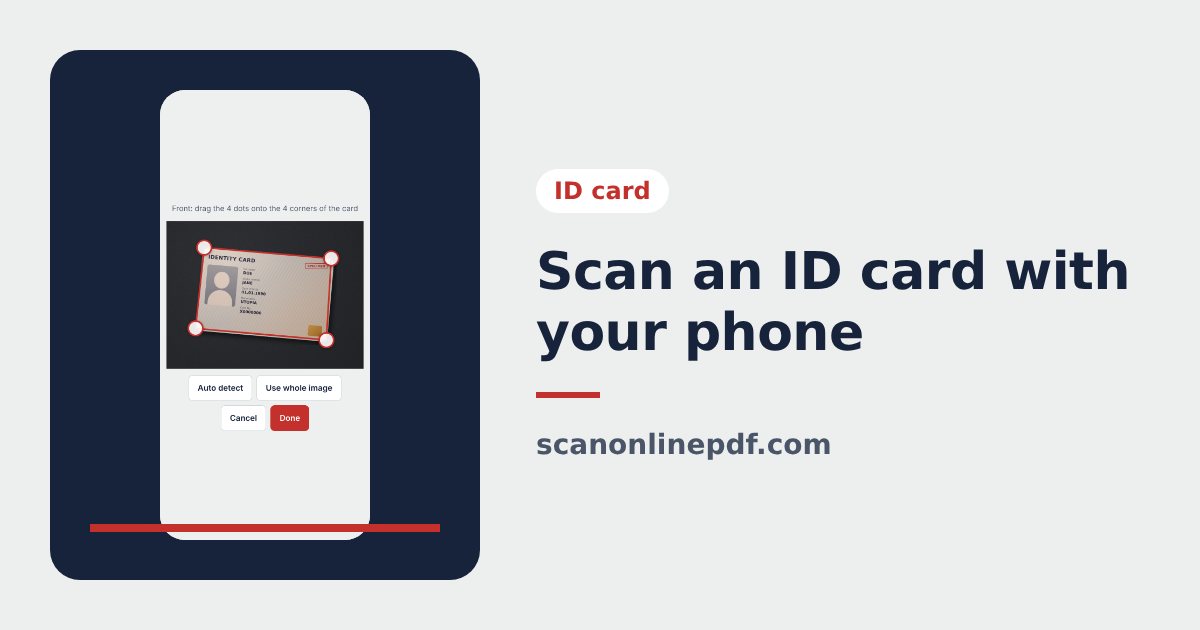
Scanning an ID card with your phone takes about a minute: photograph both sides, the tool detects the card, straightens it to the exact card ratio and places it on an A4 page. This guide covers iPhone and Android, with tips to avoid glare on the shiny card surface.
Before you scan the ID card
- Put the card on a dark background: a wooden table, a dark folder or a book cover.
- Turn off the flash. ID cards are glossy, so the flash almost always leaves a white spot.
- Wipe off fingerprints from the card.
- Open the ID card scanner in Safari (iPhone) or Chrome (Android).
Steps to scan an ID card with your phone
- Tap Take photo under Front. Hold the phone parallel to the card and let the card fill about half of the frame.
- The tool finds the 4 corners of the card. If one is off, drag the dot onto the corner and tap Done.
- Repeat under Back. If the card is upside down, tap Flip.
- Choose the color mode, the A4 page layout and the print size.
- Tap Download JPG, Download PDF or Share to send it by WhatsApp or email.
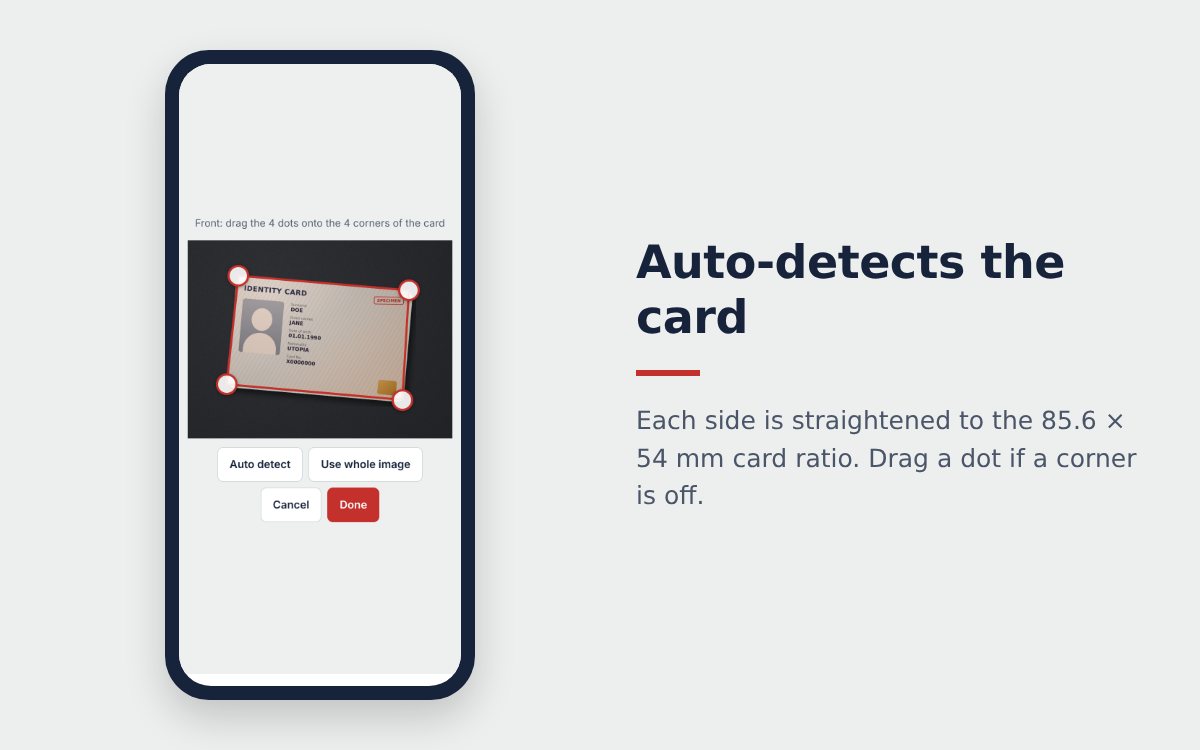
Tips to photograph an ID card without glare
- Tilt the phone slightly so the ceiling light does not reflect straight into the lens.
- Shoot near a window with daylight rather than under a lamp pointing down.
- Tap the card on the screen so the camera focuses before you shoot.
- Do not pinch to zoom. Move the phone closer instead, the photo will be sharper.
Send the ID card scan safely
- A JPG is best for a quick look on a phone.
- An A4 PDF suits applications, email and printing.
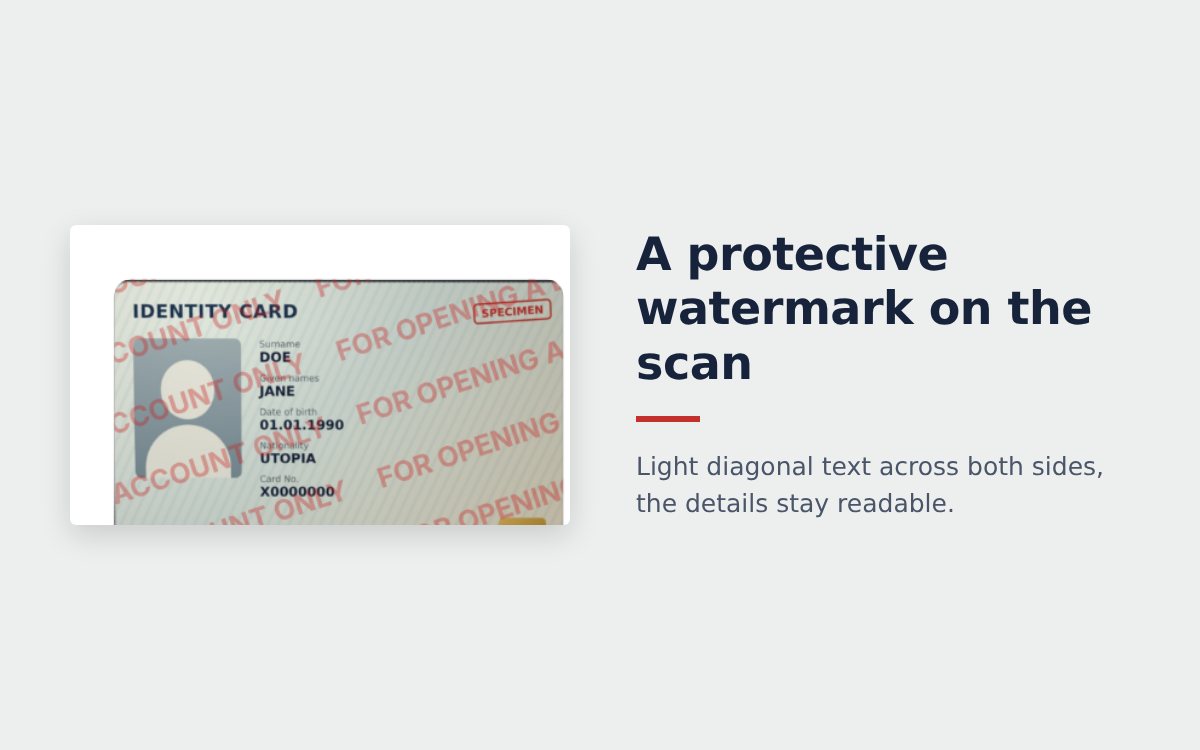
- Always add a protective watermark, for example "For the rental application at 12 Sample Street only, 14/10/2026".
Phone scan or copy shop?
| Copy shop | Phone scan | |
|---|---|---|
| Cost | Paid per copy | Free |
| Time | A trip there and back | About 1 minute |
| Digital file to send | You still need to photograph the copy | JPG and PDF right away |
| Privacy | The card goes through someone else's hands | The card never leaves your hands |
Need it on paper like a photocopy? See how to scan both sides of an ID card on one A4 page. For letters and contracts, use the free online scanner instead.
Frequently asked questions
Do I need an app to scan an ID card with my phone?
No. The ID card scanner runs in Safari or Chrome on your phone. The photos are processed on the device and are not uploaded to a server.
Can I scan a driving licence or residence permit the same way?
Yes. Card-format driving licences, residence permits and many membership cards have the same size as an ID card, so the steps are identical.
Should I send the ID card scan as an image or a PDF?
Send a JPG for a quick look in a chat app. Use the A4 PDF for applications, email and anything that will be printed.
More guides
How to compress a PDF under 1 MB or 500 KB for online forms
Compress a PDF under 1 MB, 500 KB or 200 KB for job applications, government portals and email: type the exact size, check readability, keep stamps and signatures.
Free online scanner: 4 ways to scan documents without paying
Four free ways to scan documents online with a phone or computer: pros and cons of each, how to choose, and privacy tips when you scan personal documents.
Convert images to PDF online for free, no sign-up
Convert images to PDF online for free with no account or app. How to pick a safe tool that does not upload your photos, and the steps to turn JPG or PNG into PDF.