How to scan a passport with your phone to PDF or JPG
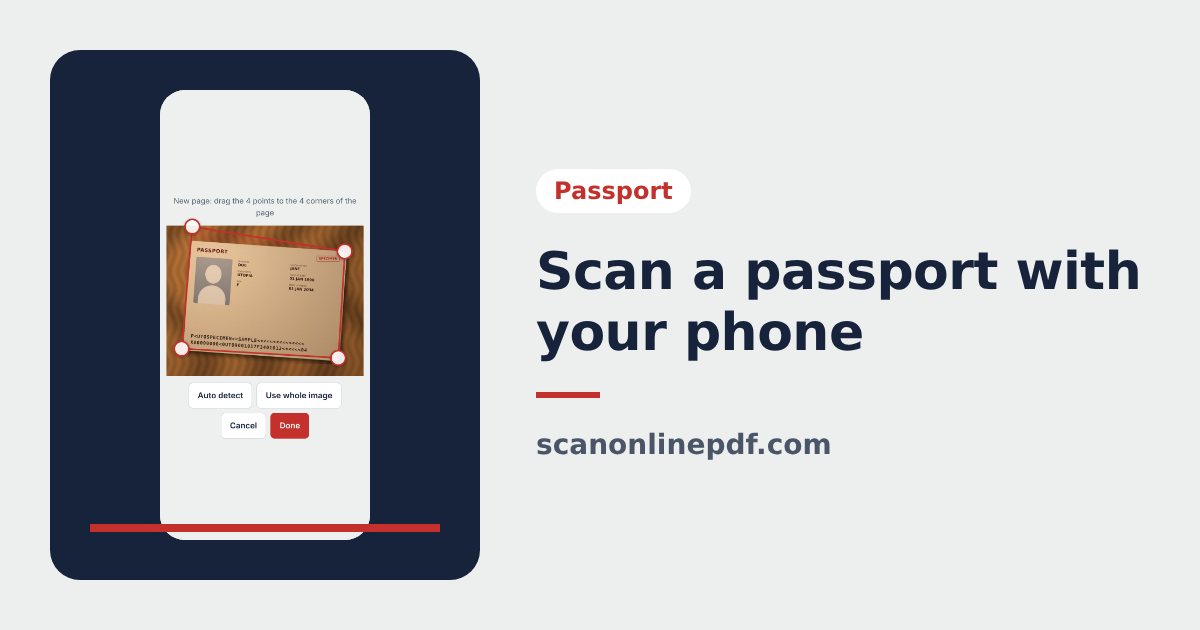
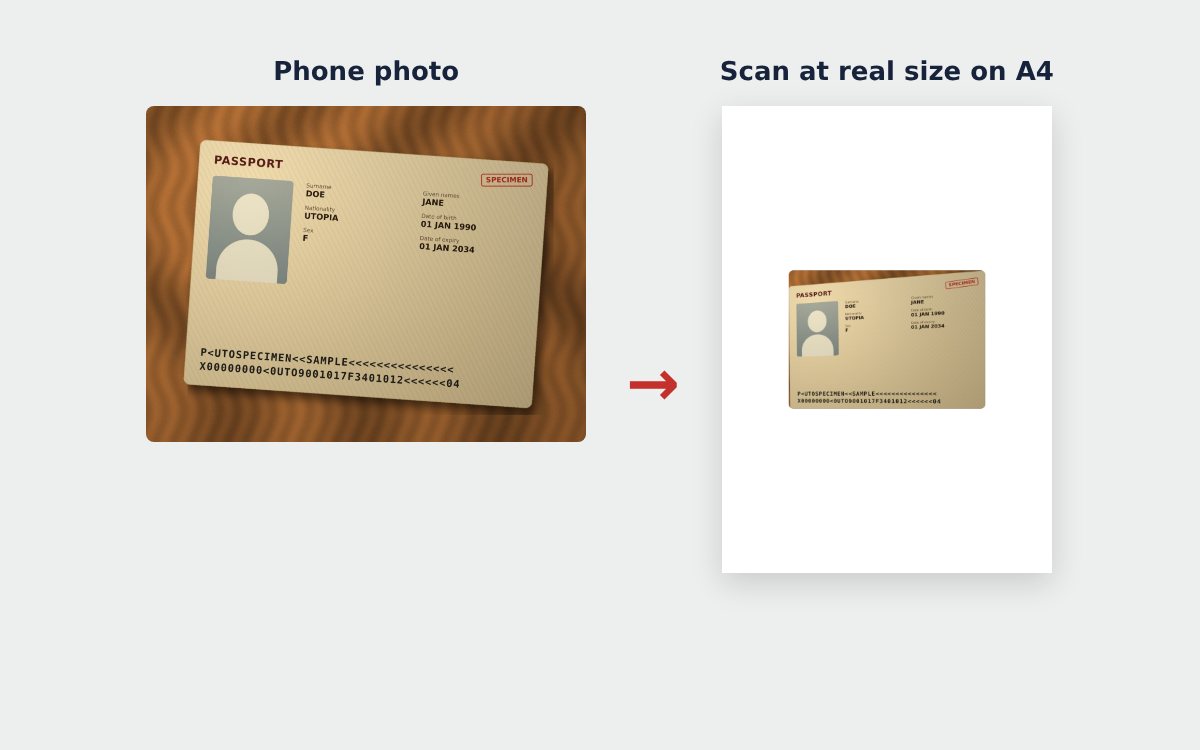
No scanner at home? You can still scan your passport with your phone. The passport scanner detects the 4 corners of the page, straightens it to the real passport size and places it on an A4 page, ready to export as PDF or JPG for a visa or any online application.
How to scan a passport with your phone
- Open your passport at the data page, the page with your photo and two lines of code at the bottom. Put it on a dark table.
- Go to the passport scanner and tap Take photo to open the camera, or Choose images, PDF if you already have a photo.
- The tool detects the 4 corners of the page. If they do not match, drag the 4 dots onto the corners and tap Done.
- Choose a color mode and an A4 layout, add a protective watermark if you like, then tap Download PDF or Download JPG.
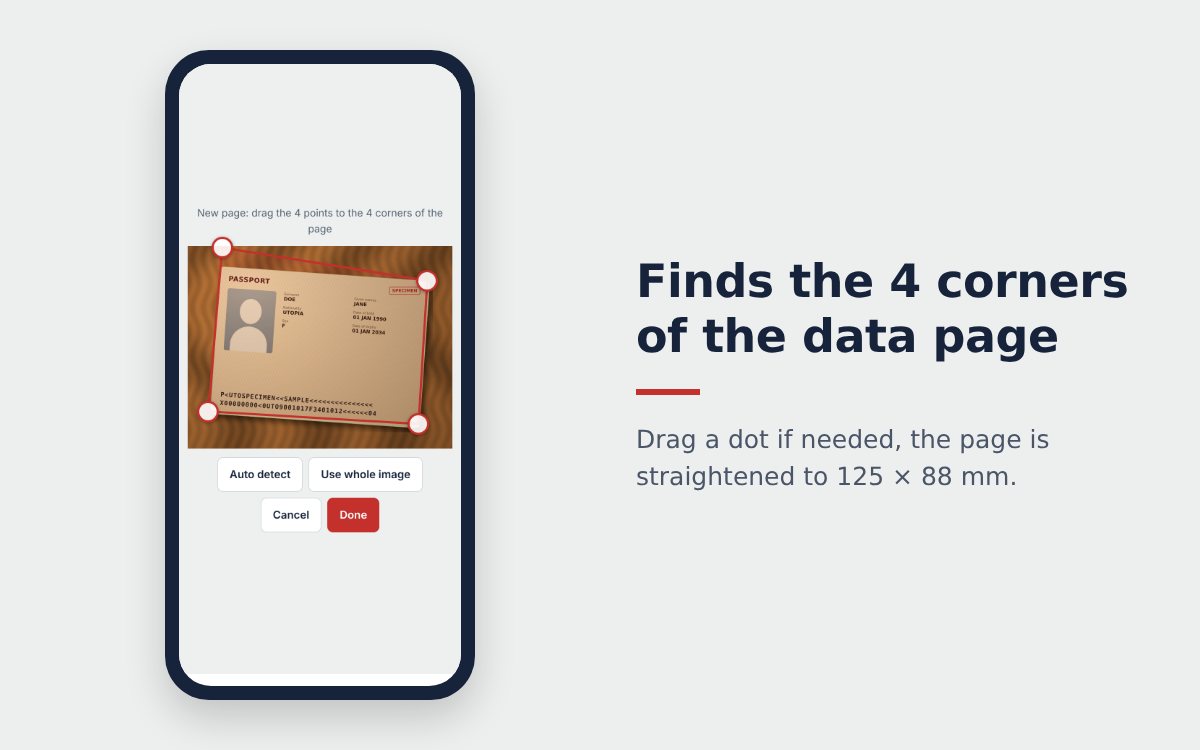
The page is straightened to the real passport size
Passports follow an international standard: the data page measures 125 × 88 mm. A photo taken at an angle is straightened back to this exact ratio, so the scan is not distorted and the two lines of code at the bottom stay straight and readable for machines.
| Option | Use it when |
|---|---|
| A4 portrait, 2 passport pages per A4 page | Online applications, printing |
| A4 landscape, 2 pages side by side | You need the data page and the facing page |
| Actual size | The printout must match the real passport |
| 1.5× larger | You want bigger, easier to read text on paper |
Scan several passport pages
Need the visa page or pages with entry and exit stamps too? Tap Take photo or Choose images, PDF again to add more, with no page limit. You can pick several photos at once, or even a passport PDF you scanned before: each page is cropped and straightened. Reorder or delete pages, then download one multi-page PDF.
Which color mode to choose
- Original: keeps the real colors of the passport, best for visa applications that ask for a color copy.
- Sharp: brightens the background and makes text clearer when the photo is a little dark.
- Monochrome: a lighter grayscale file, fine when color is not required.
After the scan
File too heavy for the upload form? Compress the PDF to the size it asks for. Need to send your passport together with other papers in one file? Scan them with the free online scanner and combine everything with Merge PDF. See also how to photograph a passport without glare.
Frequently asked questions
Is a passport scanned with a phone clear enough?
Yes for online applications, as long as you shoot in good light without glare. The tool straightens the page, sharpens the text and exports a 300 dpi JPG or an A4 PDF.
Which passport page should I scan?
Usually the data page: the one with your photo and the two lines of machine-readable code at the bottom. If the application asks for more pages, add them one after another.
Do I need an app to scan my passport?
No. The passport scanner runs in your phone browser and the images are processed on the device.
More guides
How to compress a PDF under 1 MB or 500 KB for online forms
Compress a PDF under 1 MB, 500 KB or 200 KB for job applications, government portals and email: type the exact size, check readability, keep stamps and signatures.
Free online scanner: 4 ways to scan documents without paying
Four free ways to scan documents online with a phone or computer: pros and cons of each, how to choose, and privacy tips when you scan personal documents.
Convert images to PDF online for free, no sign-up
Convert images to PDF online for free with no account or app. How to pick a safe tool that does not upload your photos, and the steps to turn JPG or PNG into PDF.