How to photograph a passport without glare, all 4 corners, sharp text
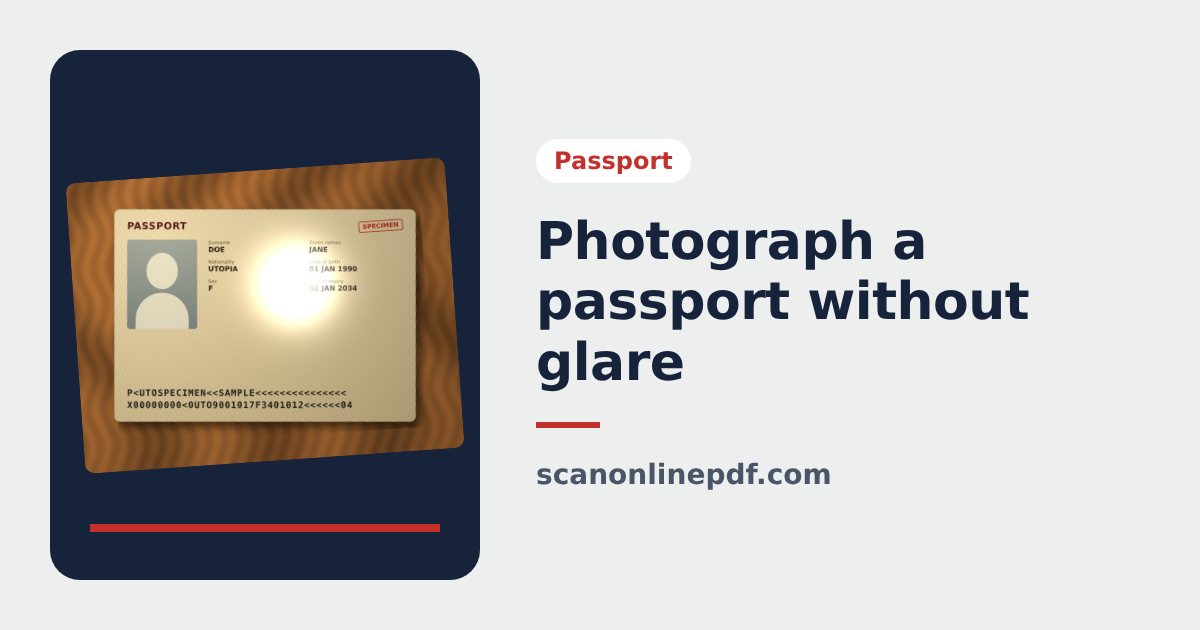
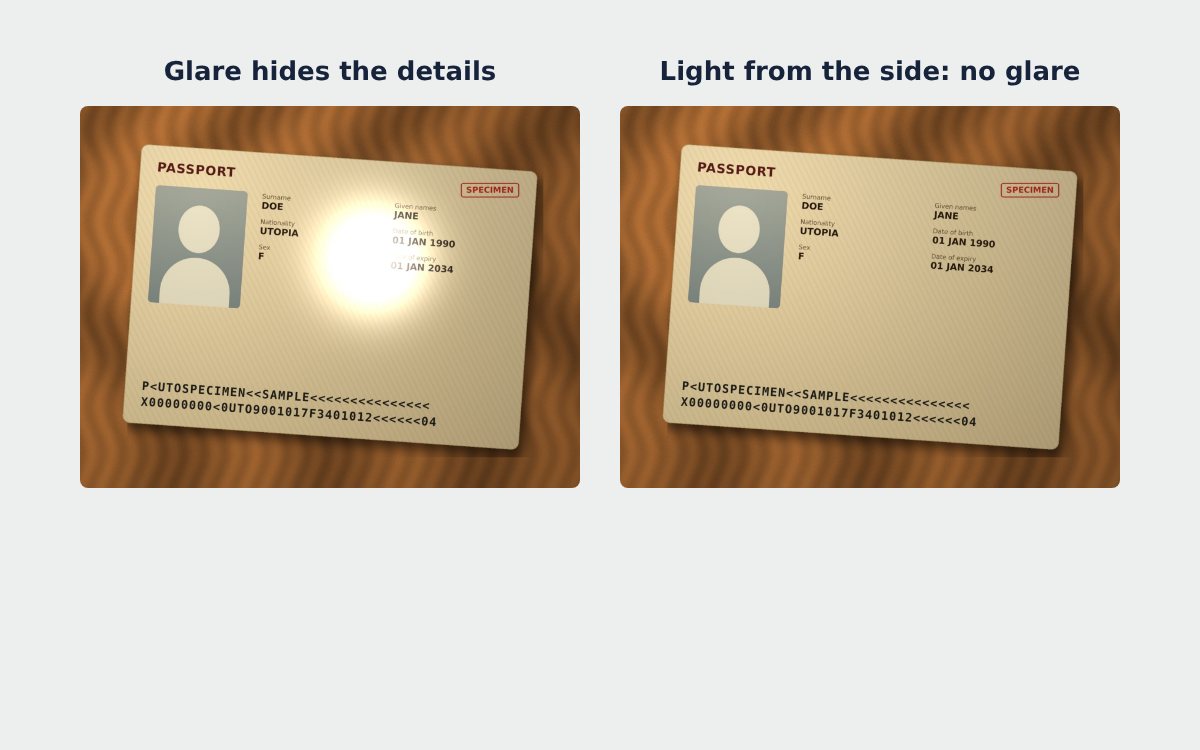
The data page of a passport has a glossy laminate to prevent forgery. That layer reflects light strongly, so photos often get a white spot right on the portrait or on the passport number. Here is how to photograph a passport without glare, with all 4 corners and readable text.
1. Get the light right
- Turn off the flash. It is the most common cause of glare.
- Shoot near a window or under soft, even light, not under a lamp pointing straight down.
- Avoid direct sunlight, which creates harsh shadows and bright spots.
2. Tilt the phone a little
If you still see a bright spot, tilt the phone 10 to 15 degrees so the reflection moves away from the portrait and the text. The passport scanner straightens the page afterwards, so a slight angle is not a problem.
3. Dark background, flat page
Put the passport on a dark background that contrasts with the paper, so the tool finds the edges of the page precisely. Keep the page flat with a finger on the outer edge, away from the information.
4. All 4 corners, with a margin
Keep all 4 corners of the page inside the frame, with a little margin around them. Pay special attention to the two lines of code at the bottom of the page: they are read by machines, and applications are often rejected when they are cut off.
5. Check before you download
| Check | If it fails |
|---|---|
| No bright spot on the photo or text | Retake it and tilt the phone |
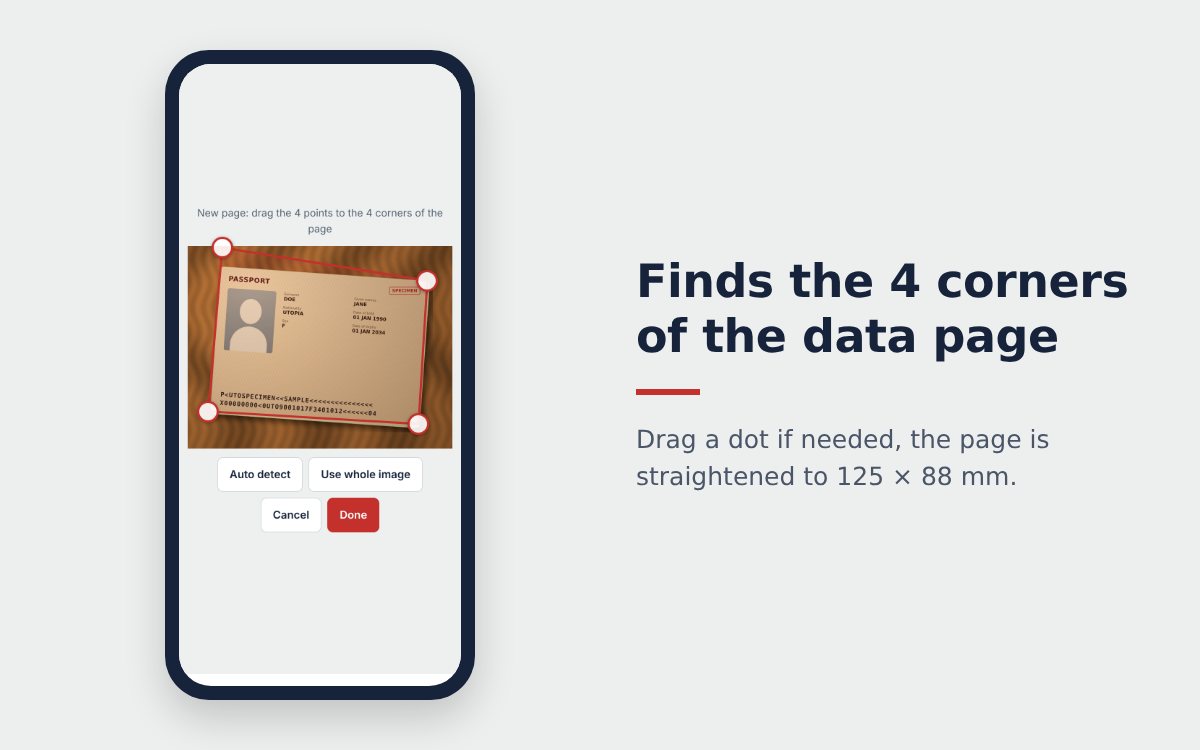
| All 4 corners of the page | Tap Re-crop and drag the 4 dots onto the corners |
| Text readable when you zoom in | Choose Sharp, or retake it in better light |
| Page upside down | Tap Flip |
The same tips work for any glossy document, from ID cards to laminated certificates. For plain paper documents, the free online scanner also whitens the background and removes shadows.
Once your photo is right, follow how to scan a passport with your phone or go straight to scanning your passport to PDF.
Frequently asked questions
Why do passport photos always have glare?
The data page has a glossy security laminate. It reflects ceiling lights and the flash as a bright spot, often right on the portrait.
Should I use the flash to photograph my passport?
No. The flash almost always creates a white spot. Use daylight or soft, indirect light instead.
A corner is cut off in my photo. Do I need to retake it?
Yes. The tool can only straighten what is in the picture. Keep all 4 corners of the page in the frame with a small margin around them.
More guides
How to compress a PDF under 1 MB or 500 KB for online forms
Compress a PDF under 1 MB, 500 KB or 200 KB for job applications, government portals and email: type the exact size, check readability, keep stamps and signatures.
Free online scanner: 4 ways to scan documents without paying
Four free ways to scan documents online with a phone or computer: pros and cons of each, how to choose, and privacy tips when you scan personal documents.
Convert images to PDF online for free, no sign-up
Convert images to PDF online for free with no account or app. How to pick a safe tool that does not upload your photos, and the steps to turn JPG or PNG into PDF.