What is a scanned copy of an ID card? When you need it and how to send it safely
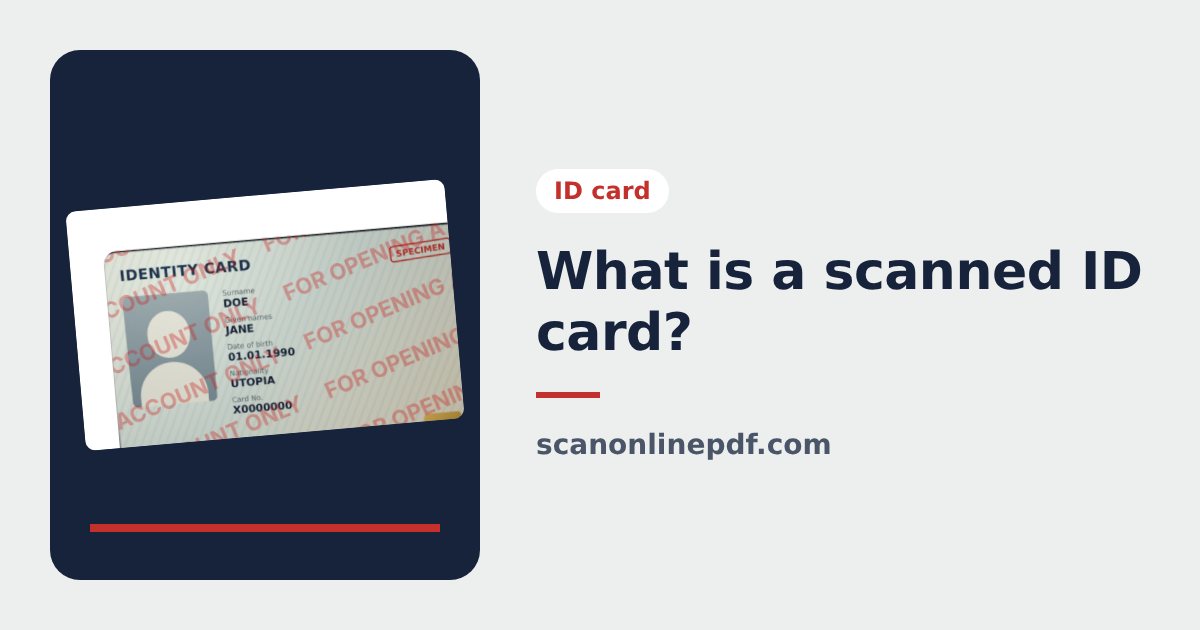
More and more applications ask for a scanned copy of your ID card. This guide explains what a scanned ID card is, how it differs from a simple photo and from a certified copy, when you need one and how to send it without putting your identity at risk.
What is a scanned ID card?
A scanned ID card is an image or PDF file of both sides of your card, cropped exactly at the 4 corners, straightened and placed on an A4 page. It looks like a photocopy, but in a file you can send online. Scanning an ID card means making that file, with a flatbed scanner or simply with your phone.
A proper scanned ID card differs from a quick photo in a few ways:
- Both sides, usually on the same A4 page.
- The right shape: the card ratio of 85.6 × 54 mm, not skewed, not tilted, no table around it.
- Readable and free of glare: the card number, dates and any code can be read.
- PDF or JPG, ready for email, chat apps or an upload form.
You can make one right now with the ID card scanner: photograph the front and the back, the tool straightens both and places them on one A4 page at real size.
When do you need to scan your ID card?
- Opening a bank account, applying for a loan or a financial service.
- Job applications, university enrolment, exam registration.
- Rental agreements and contracts with a company.
- Completing a file by email when you cannot go in person.
Scanned ID card vs certified copy
| Scanned ID card | Certified copy | |
|---|---|---|
| How it is made | You scan it yourself with a phone | Certified by an authorized office |
| Format | Image or PDF file | Paper copy with an official stamp |
| Used for | Online forms, completing a file | When a valid certified copy is required |
In short, a scan is convenient but it does not replace a certified copy when one is required.
How to scan your ID card properly
- Open the ID card scanner on your phone.
- Photograph the front and the back on a dark background, with the flash off.
- Choose the A4 page layout the recipient expects.
- Choose Real card size if you will print it for a paper application.
- Add a protective watermark, then download the JPG or PDF.
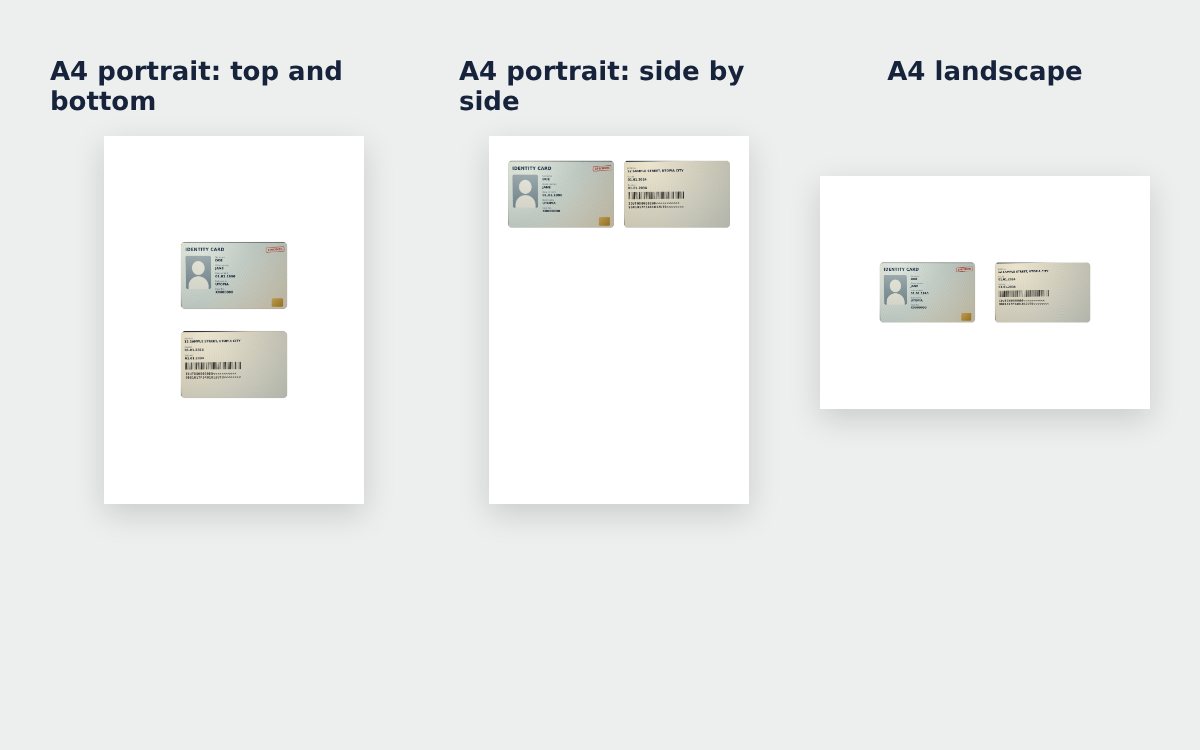
Step-by-step details are in how to scan an ID card with your phone and how to scan both sides of an ID card on one A4 page.
How to send a scanned ID card safely
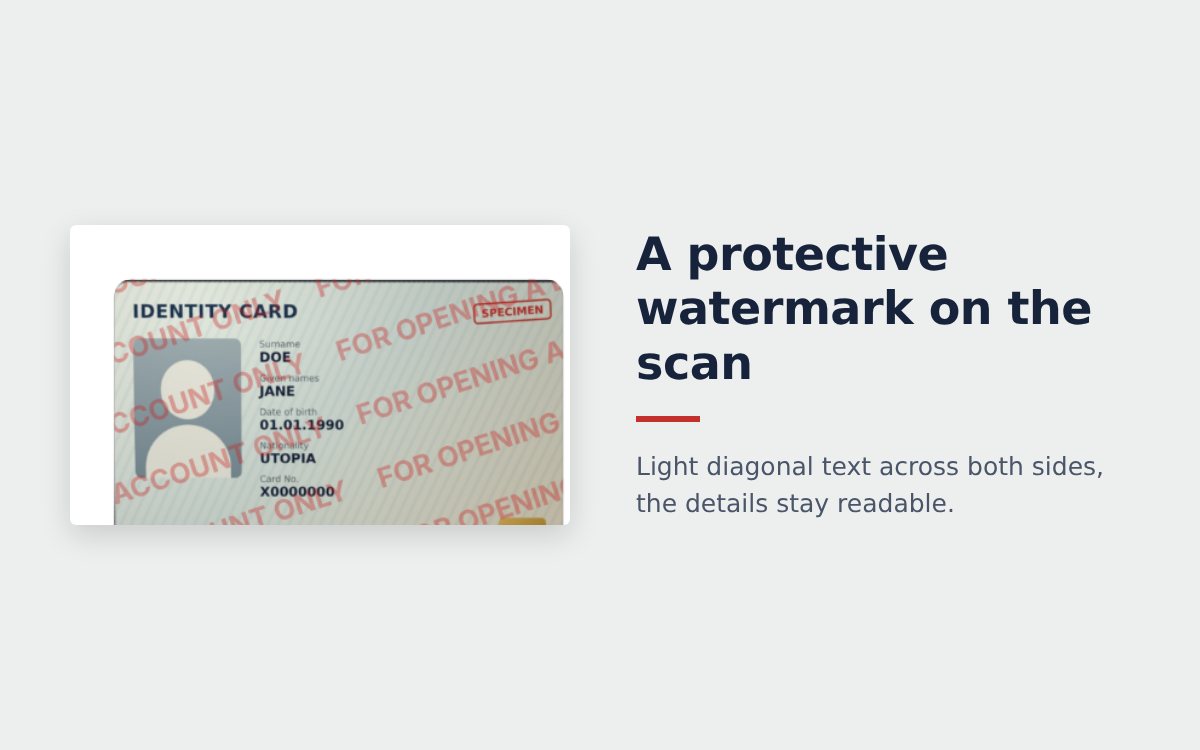
- Write the purpose and the date on the scan with the protective watermark.
- Send it only to organizations you trust and that really need it. Never post an ID card scan on social media or in large group chats.
- Use a tool that does not upload your photos to a server, to limit the risk of leaks.
- Delete the scan from chats and email once the procedure is finished, when you can.
Other papers to send with it, like a payslip or a contract? Scan them with the free online scanner and combine everything with Merge PDF.
Frequently asked questions
What is a scanned ID card?
It is an image or PDF file of both sides of your ID card, cropped at the 4 corners, straightened and placed on an A4 page, used to send online or to print instead of a photocopy.
Is a scanned ID card the same as a certified copy?
No. A scan is convenient for online forms and email. When an organization asks for a certified copy, it has to be certified by an authorized office, such as a notary or the issuing authority.
What should I do if I sent my ID card scan to a stranger?
Watch for unusual calls or messages in your name, never share one-time codes or passwords, and contact your bank and the police if you notice signs of misuse.
More guides
How to compress a PDF under 1 MB or 500 KB for online forms
Compress a PDF under 1 MB, 500 KB or 200 KB for job applications, government portals and email: type the exact size, check readability, keep stamps and signatures.
Free online scanner: 4 ways to scan documents without paying
Four free ways to scan documents online with a phone or computer: pros and cons of each, how to choose, and privacy tips when you scan personal documents.
Convert images to PDF online for free, no sign-up
Convert images to PDF online for free with no account or app. How to pick a safe tool that does not upload your photos, and the steps to turn JPG or PNG into PDF.